Heart-rate strap
Any Bluetooth LE strap. Speed and cadence sensors are optional.
Homewind is a small device that controls your Xiaomi Smart Fan with your heart rate. It also combines your Bluetooth sensors into one, so Zwift and Rouvy on Apple TV don’t run into the Bluetooth limit.
Your strap sends your pulse to Homewind. Homewind sets the fan and passes your sensors on to Apple TV.
Any Bluetooth LE strap. Speed and cadence sensors are optional.
Turns your pulse into fan speed using your range. The Touch version shows it on its display.
Fan speed over Wi-Fi to up to four fans. All sensors over one Bluetooth link to Zwift or Rouvy.
A simulated 60-minute ride with two climbs. A normal fan has three or four speeds, and you have to reach over and change them. Homewind follows your pulse in fine steps, inside the range you set. You keep riding.
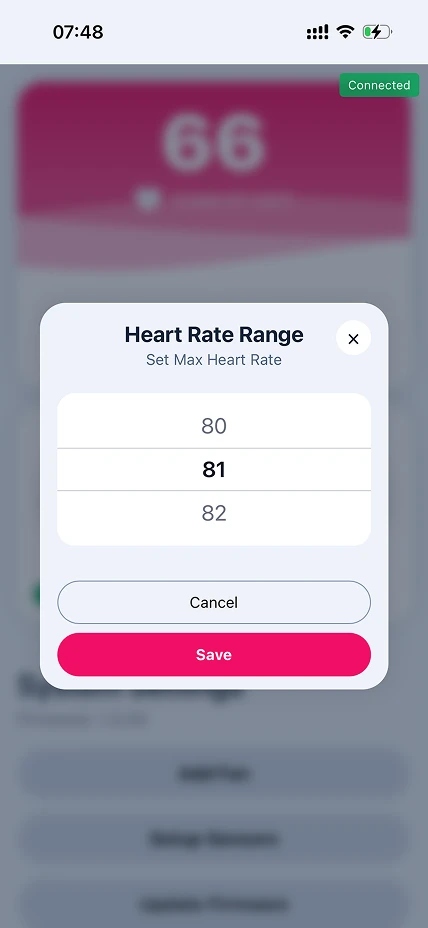
Pick where the fan starts and where it reaches full speed. In between, fan speed scales with your pulse. You set both values in the Homewind web interface.
Living room in summer, pain cave in winter. Homewind uses the Xiaomi fan you already own.
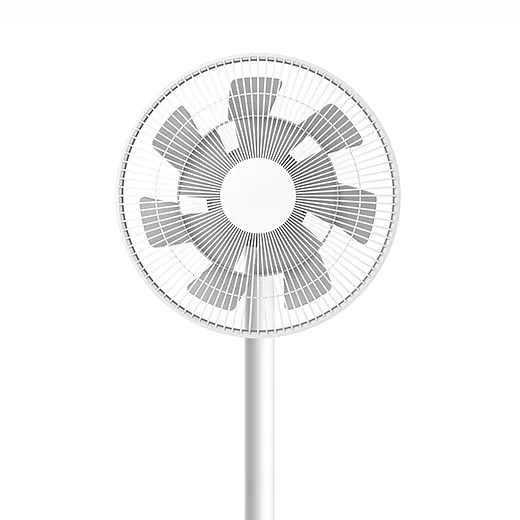
Xiaomi
Xiaomi
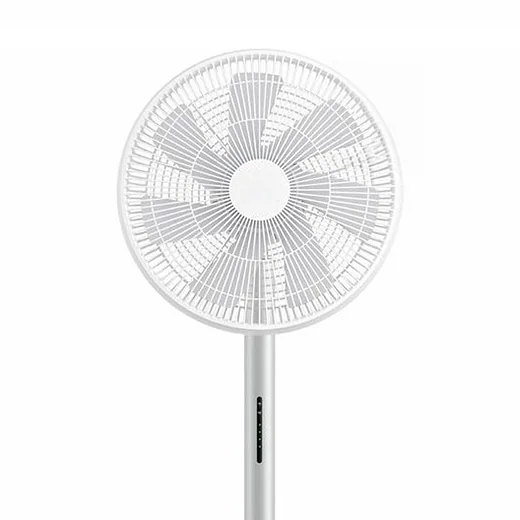
Smartmi
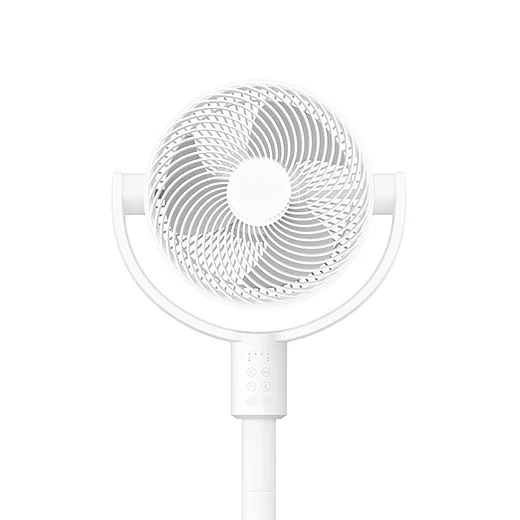
Xiaomi
Yours isn’t listed? Tell me the model.
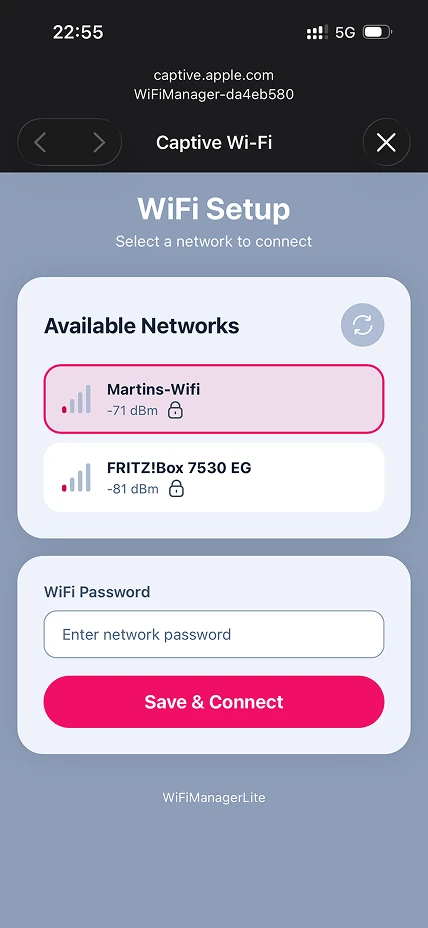
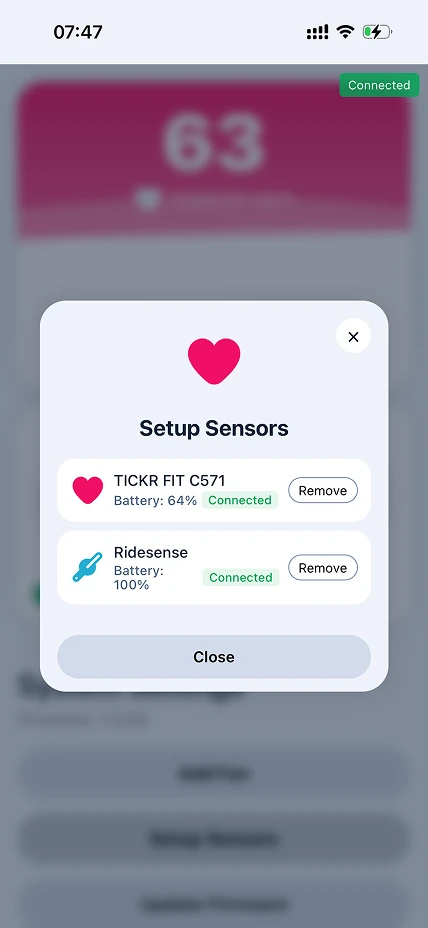
Every setting lives in the web interface. Open homewind-xxxxxxxx.local in your browser, or scan the QR code on the Touch display. No app to install.
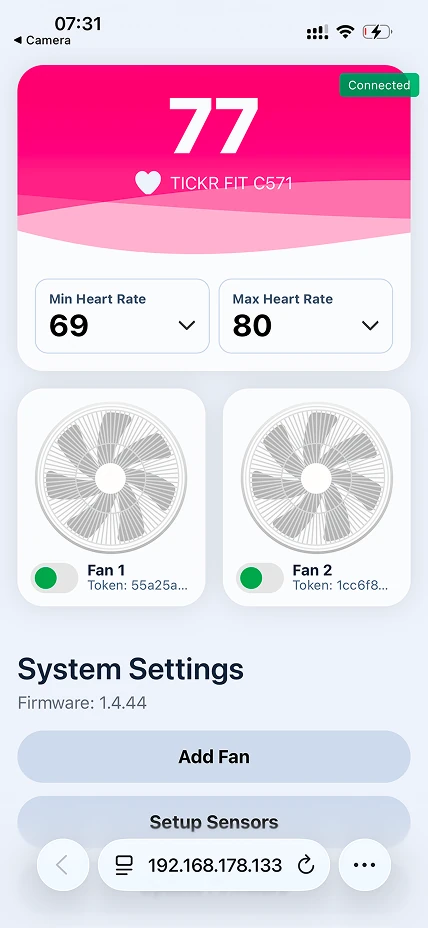
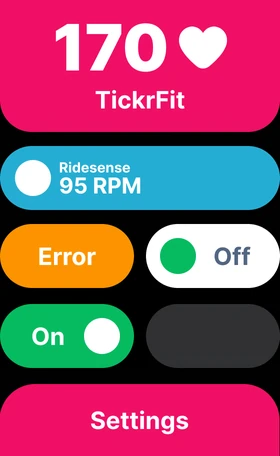
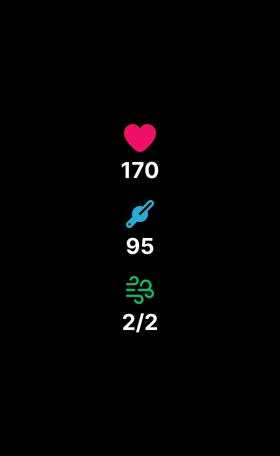
Homewind Touch is a small box with a 1.64″ AMOLED display. It holds magnetically, on the bars, on the stand or wherever it fits. It shows heart rate, cadence and your fans, and you switch fans on and off with a tap.

Three steps: pick a board, flash the firmware in your browser, print the housing.
Homewind Touch has a touchscreen. Homewind Basic is configured entirely in the browser. Both have the full web interface.
Small magnetic box with a touchscreen. Uses the Waveshare ESP32-S3-Touch-AMOLED-1.64.
Web interface only, smallest setup. Uses the Seeed Studio XIAO ESP32-S3.
* Affiliate link. I may earn a commission at no extra cost to you.
One click, right in your browser. Connect your ESP32-S3 via USB and choose your version.
Homewind is free. Support the project
Free 3D-print files on MakerWorld.
Homewind works only with supported Xiaomi Smart Fans. See supported fans.
Basic: Seeed Studio XIAO ESP32-S3. Touch: Waveshare ESP32-S3-Touch-AMOLED-1.64.
Connect via USB, open homewind.io in Chrome or Edge, choose your version and install. Go to firmware install.
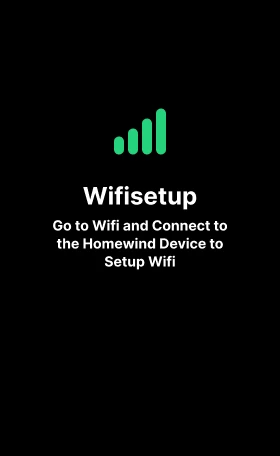
Connect to the Wi-Fi “Homewind-…”, choose your 2.4 GHz network and enter the password.
Touch: open Settings and scan the QR code. Basic: take the Homewind Bluetooth name and add .local, e.g. homewind-2613cfd0.local.
Use the Token Extractor to fetch your devices and copy the 32-character token.
Tap “Add Fan”, paste the token and confirm.
Tap “Setup Sensors” and add your Bluetooth heart-rate strap – the fan follows it. Speed and cadence sensors are optional. The first connection can take up to a minute.
Future updates are installed via the web interface. No USB needed.
Answers to common questions, the comparison with the KICKR Headwind and how the Apple TV sensor hub works.
Homewind is free. Donations, code and feedback keep it going.
Homewind is free for private, non-commercial use. If it makes your training better, you can support development. Donations go into test hardware and support for new fan models.
Support via PayPalHomewind is provided as open-source software for private, non-commercial use at no cost. Any commercial use requires a separate license. Commercial licensing terms are currently under development and may change during the beta phase. The software is currently in beta.